by ledgar | Apr 10, 2026 | Help Center
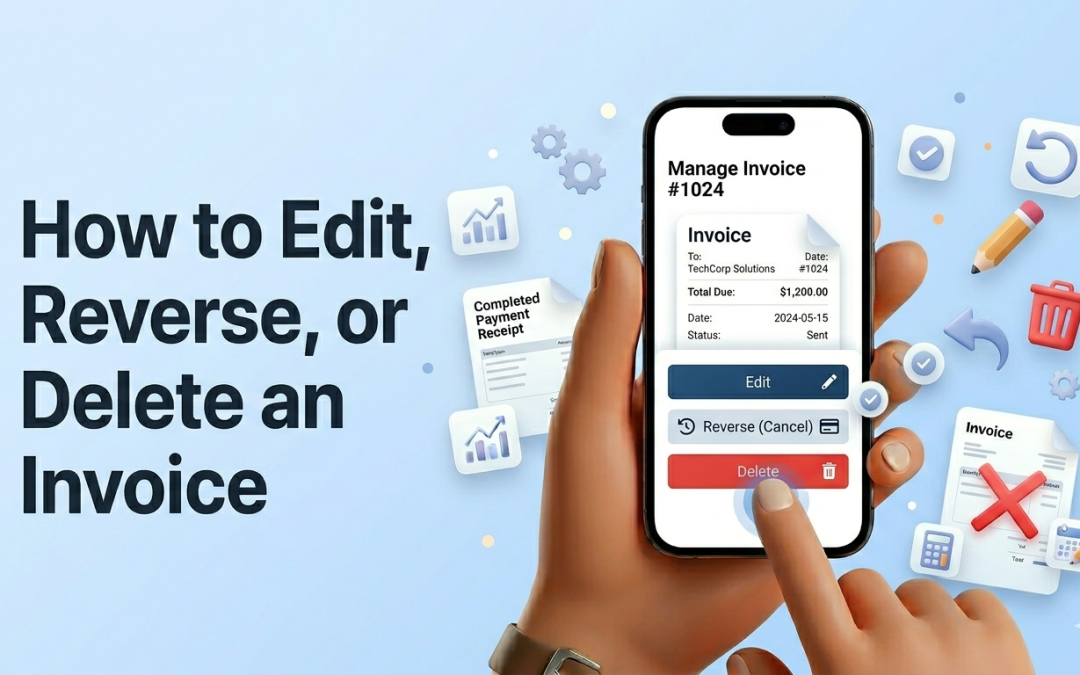
Managing invoices on Ledgar is straightforward on mobile. From the invoice list, you can open the 3-dot menu on any invoice card to access actions like Edit, Reverse, and Delete. These tools help you correct invoice details, reverse an invoice that should no longer...
by ledgar | Apr 2, 2026 | Help Center
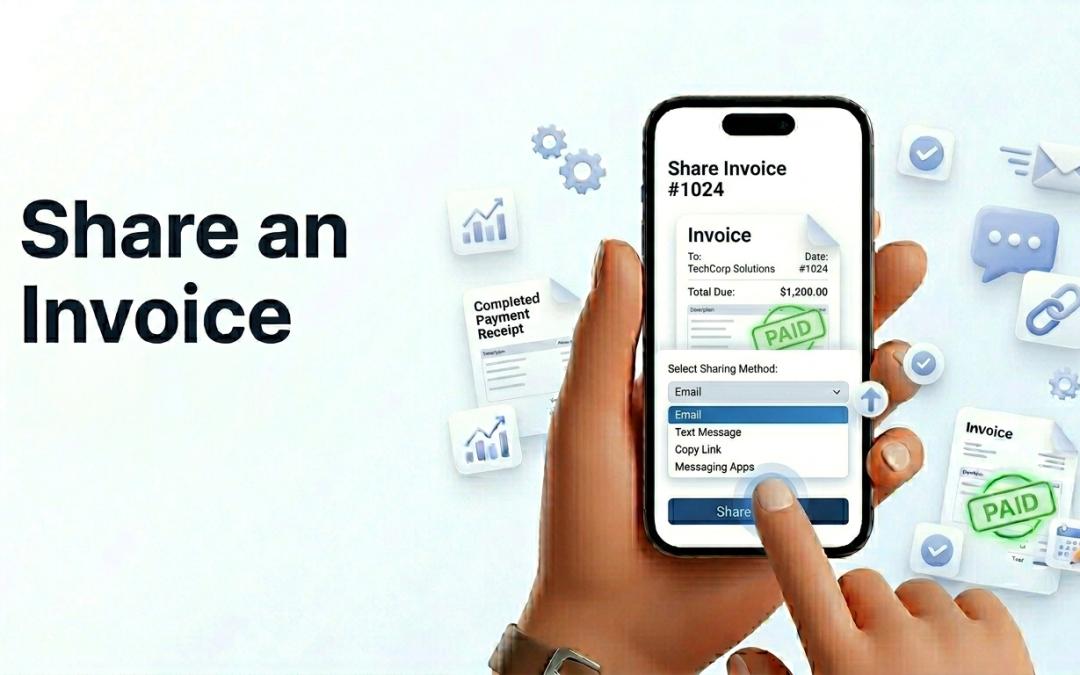
Sharing an invoice on Ledgar is easy from your phone. On mobile, invoice actions are placed inside the 3-dot menu on each invoice card, and one of those actions is Share. When you tap it, Ledgar opens a Share & Export screen with options to send the invoice by...

by ledgar | Apr 2, 2026 | Help Center
If a client pays an invoice after you have already created it, you can update that invoice directly in Ledgar from your phone. The Invoices page supports both partial payments and full payment completion, so you can keep each invoice balance accurate as money comes...

by ledgar | Apr 2, 2026 | Help Center
Creating an invoice on Ledgar is simple, even when you are working from your phone. The Invoices page is set up for mobile use, with a full-width Create Invoice button on smaller screens, so you can quickly start a new invoice without needing a desktop. If you send...
by ledgar | Apr 1, 2026 | Help Center
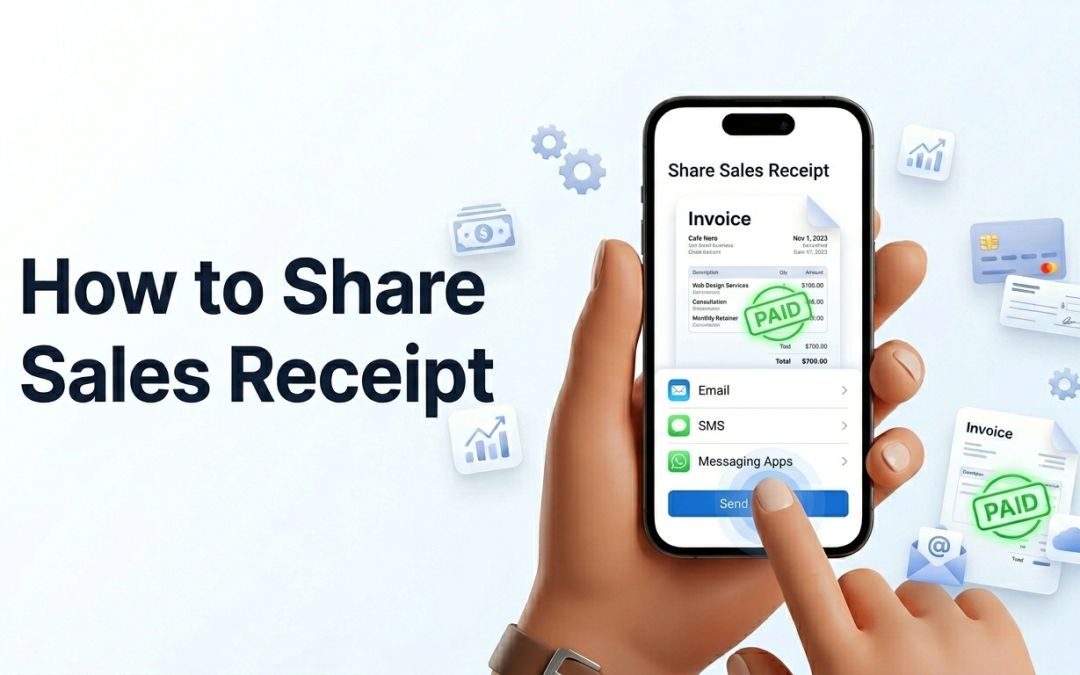
Ledgar makes it easy to send receipts to customers and keep a copy for your own records. From the share options menu on a sale, you can choose Email (PDF Receipt), WhatsApp (PDF Receipt), Download PDF, or Download CSV. Available receipt options When you open the...